
Are you one of the many people who still haven't linked their Aadhaar card with their PAN card? If so, you're not alone. But it's important to do so, as the government has made it mandatory to link your Aadhaar card with your PAN card for certain financial transactions. Here's a step-by-step guide on how to link Aadhaar with PAN.
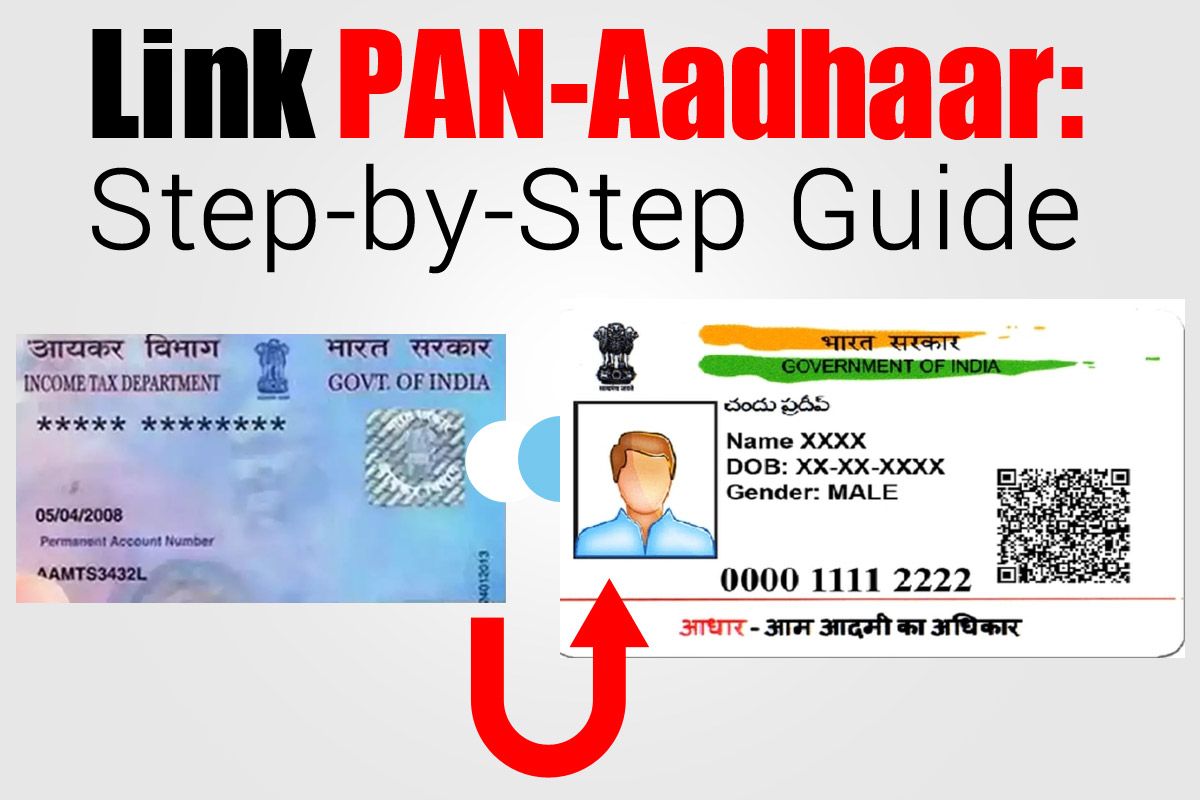
Step 1: Visit the Income Tax e-Filing website
To link your Aadhaar card with your PAN card, the first step is to visit the Income Tax e-Filing website. This can be done by going to www.incometaxindiaefiling.gov.in and clicking on the "Link Aadhaar" button under the "Quick Links" section.
Step 2: Enter your details
On the next page, you'll be asked to enter your PAN card number, Aadhaar number, and name as per Aadhaar. Make sure to double-check all the details before submitting the form.
Step 3: Verify your details
Once you've submitted the form, the website will automatically verify your details with the UIDAI (Unique Identification Authority of India). If there are any discrepancies in the details you've entered, the website will let you know.
Step 4: Link Aadhaar with PAN
If your details match with the UIDAI, the website will automatically link your Aadhaar card with your PAN card. You'll receive a message on your registered mobile number and email ID confirming the same.
It's important to note that if there are any discrepancies in the details you've entered, you'll need to correct them first before you can link your Aadhaar card with your PAN card.
In conclusion, linking your Aadhaar card with your PAN card is a quick and easy process that can be done online. It's important to do so, as it is mandatory for certain financial transactions. Follow the above steps and get it done today!
No comments: